


[TUTORIAL] How to Create an Animated GIF


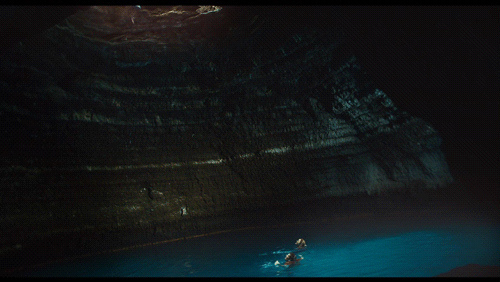
Lately, we have been seeing animated GIFs of our favorite movie scenes making a comeback on Tumblr and on various blogs. It’s a cool way to share films you like and the best part is that they aren’t that complicated to make. Here is a tutorial on how to make your own GIF from your favorite movie.
1: First off, pick the movie of your choice.
2: Then pick which Chapters in the movie the scene you want to pick is in.
3: The best way to rip the movie scene is with HandBrake. You can download it for free here.
4: Once you have HandBrake, put in the chapters in which your scene is featured and pick the destination of where the clip should show (in this case your desktop). Then click “Start” on the left top corner.

5: After it is done loading, change the ending of the file name from .mp4 to .mov. This will allow us to use it in Photoshop.

6: Open Photoshop and click File > Import > Video Frames to Layers.

7: Select your clip and click Load.

Here, you have the option to to pick either From Beginning To End or Selected Range Only.
If your scene so happens to be in the middle of the chapters you have selected, click Select Range Only. Find the beginning of the scene you want and click Shift to drag until the end of your scene. Click OK.

8: Now, the best way to have a great GIF is to have a GIF with at most 20 frames. Selecting every even frame and deleting them gives you the option to have a clean, smooth, fast running GIF.

9: After deleting the unnecessary frames, click Adjustments and click Curves for color correction.

10: Select the top sample in image for black and find the darkest spot in the clip and click. Do the same for the top sample in image for white.

11: Once completed, click File > Save for Web & Devices.

12: For the image size to fit onto Tumblr the pixels width must be 500 or less. Have it loop by selecting forever under the Animation tab’s looping options. Make sure that your GIF is not over a megabyte.

13: Once you’re satisfied, click Save and Save to your Desktop.
Now open a search browser such as Safari and drag your GIF to the browser and your GIF should be looping beautifully.

Note: Please make sure that you use only original work or work that complies with Fair Use.